Generate strong passwords quickly and use them with confidence
Strong passwords help protect the accounts used every day
Passwords are still the first line of defence for many online accounts. Using a generator helps create something less predictable than a name, date, or familiar pattern, which makes it harder for attackers to guess.
Pairing a generated password with a password manager creates a much stronger everyday setup, because the password can be long, random, and unique without needing to be memorised manually.
It also becomes much easier to use a different password for every login. That matters because one reused password can put several accounts at risk if a single site is ever exposed.
Use a simple routine for better password habits
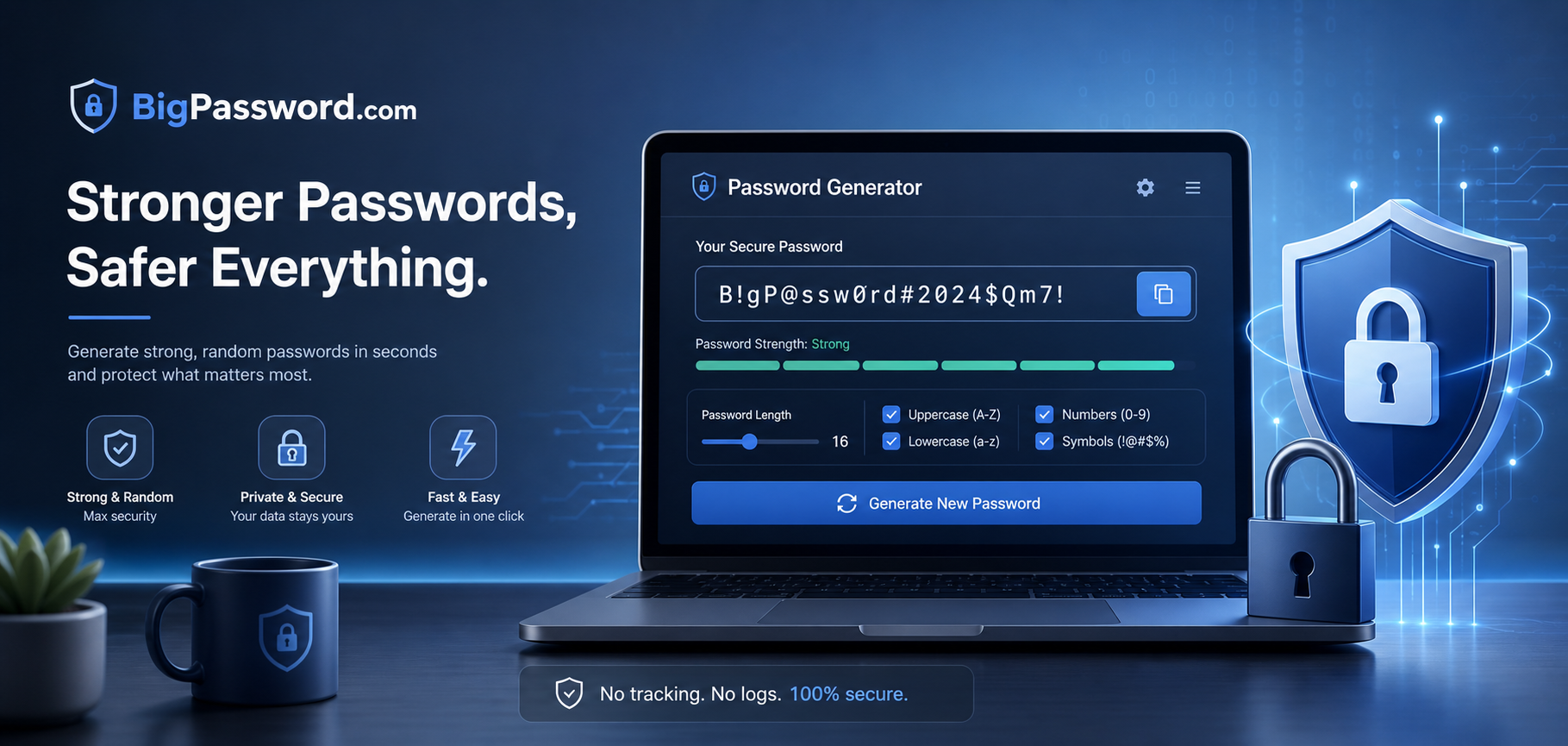
A password generator works best when it helps create something long, random, and unique for each account. Instead of making up something memorable by hand, it becomes easier to generate a fresh password in seconds and store it securely straight away in a password manager.
For the best result, choose a longer length if the site allows it, include uppercase letters, lowercase letters, numbers, and symbols, then save the result in a password manager before moving on.
Best quick routine
- Choose a longer password if the site allows it.
- Include uppercase, lowercase, numbers, and symbols.
- Generate a different password for every account.
- Save it in a password manager straight away.
What makes a password strong
Strong passwords usually come down to three basics: length, randomness, and uniqueness. A long password that is hard to predict and not reused anywhere else is much stronger than a short memorable password reused across multiple sites.
Why longer passwords matter
If a site allows a longer password, it usually makes sense to use it. Extra length increases the number of possible combinations, which makes the password harder to guess or crack compared with a short password built from familiar patterns.
Why every account needs its own password
Reusing the same password across several accounts creates a chain of risk. If one site is breached, attackers often try the same email and password combination elsewhere, which means one weak point can affect several accounts at once.
How password managers help
Password managers make strong password habits much easier to maintain. Once every password no longer has to be memorised manually, each account can have its own long random password without adding friction to daily life.
Password settings explained
- Length: Usually the most important setting.
- Uppercase and lowercase: Adds variation and reduces predictability.
- Numbers: Useful when mixed in naturally.
- Symbols: Helps broaden the character set.
- Readable options: Helpful when the password needs to be typed manually.
When to use a passphrase instead
A fully random password is often ideal when it is stored in a password manager. A passphrase can be more practical when something needs to be typed manually more often, such as a device password or a login used without autofill.
Either a password or passphrase can easily be stored in a password manager, taking the pressure off trying to remember hundreds of passwords and password updates.
Common password mistakes to avoid
- Reusing the same password on multiple sites.
- Adding predictable endings such as 123 or !.
- Using names, birthdays, or obvious personal details.
- Choosing short passwords just because they are easier to remember.
Where this tool can help most
This kind of generator is especially useful when creating passwords for email accounts, banking logins, shopping sites, subscriptions, work tools, cloud storage, and social media. These are the accounts where reused or weak passwords can cause the most disruption.
Simple tips for stronger password habits
The strongest password is usually the one that is not invented manually. Let the generator create something random, keep the password unique to that account, and store it securely so it is easier to avoid repeats or easy patterns later.
It also helps to pay attention to a site’s rules while creating a password. Clear requirements shown upfront make password creation easier, especially when users can see what the site accepts while they type.
Password generator questions people often ask
Short, practical answers to the questions people most often have about generated passwords, length, uniqueness, and everyday use.
Are generated passwords safe to use?
Yes, in general they are much safer than short or familiar passwords because they are less predictable. The real security benefit comes when each account gets its own unique generated password.
How long should a password be?
A common baseline is at least 12 characters, and many generators let passwords go longer. If a site allows a much longer password and a password manager is being used, increasing the length is often a sensible choice.
Should every account have a different password?
Yes. Reusing a password across multiple sites means one breach can expose several accounts at the same time, which is why unique passwords are such an important habit.
Do passwords need uppercase letters, numbers, and symbols?
Many generators allow uppercase, lowercase, numbers, and symbols as part of the character mix. These options are commonly offered because they increase the variety of possible passwords when used as part of a random result.
Why use a password manager with a generator?
A password manager makes generated passwords practical because it stores them and can autofill them later. That means every account can have a strong random password without forcing anyone to memorise each one manually.
Should a passphrase or a random password be used?
A random password is often ideal for accounts saved in a password manager, while a passphrase can be more convenient if it needs to be typed manually on a regular basis. The best choice depends on how the login is used.
Does this tool save generated passwords?
No. All the work is done in the browser and no passwords are saved on our end.
Can this be used for banking, email, and social media?
Yes, a strong password generator is suitable for important accounts such as email, banking, shopping, and social media, especially when each one gets its own unique password.